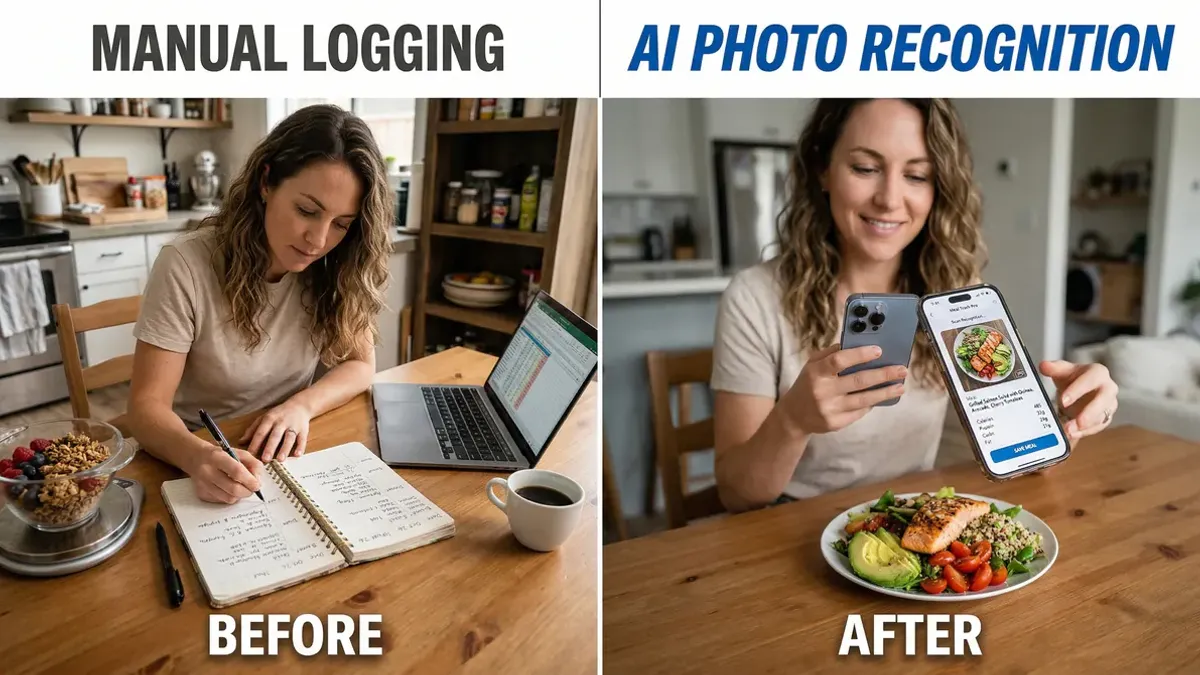
You're standing in the kitchen with a plate of food. Previously, you'd spend the next few minutes searching through an app database: "chicken breast, grilled, 150g", "broccoli, steamed, 100g", "rice, brown, cooked, 80g". Five minutes later, you'd finally have everything logged. Today, you simply take a photo. Three seconds later, you see all the nutrition data.
That's the power of a calorie tracking app photo feature.
Key takeaways
• Time savings: From 5 minutes of manual entry to 3 seconds of photography per meal • Accuracy: AI recognizes portion sizes visually, often more precisely than guessing • Recognition scope: Modern apps identify over 85,000 foods, from international dishes to local specialties • Monthly benefit: Save 5 to 7 hours per month for activities you actually enjoy • User retention: 93% of users stick with photo-based tracking longer than manual methods • Technology: Computer vision analyzes ingredients, portions, and cooking methods automatically
How does calorie tracking app photo recognition work?
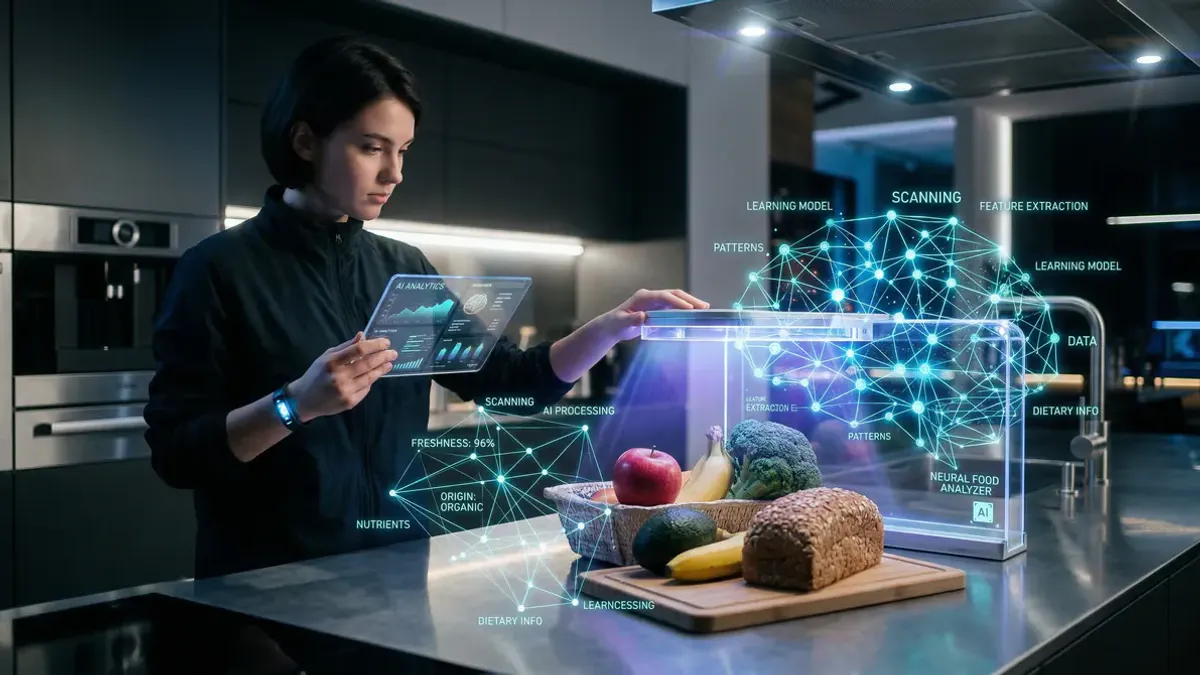
AI food recognition uses computer vision to analyze your meals. The technology doesn't just identify what's on your plate—it estimates quantities too.
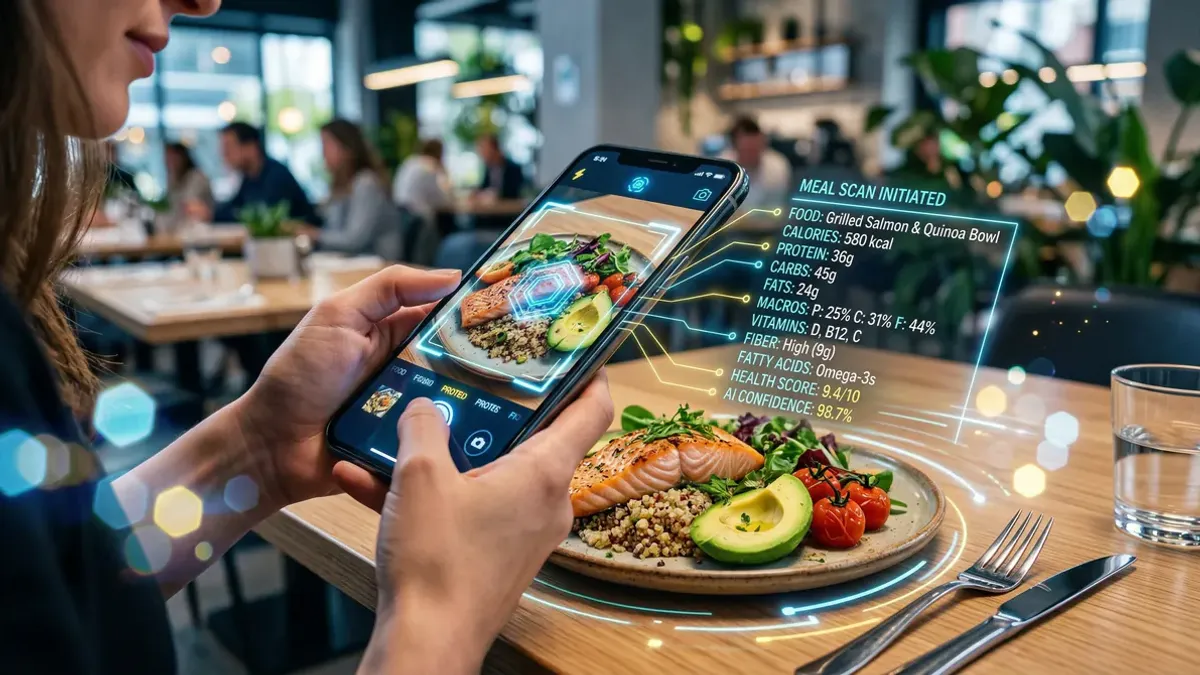
Step 1: Take the photo. Hold your phone above your food and snap a picture. Good lighting and a top-down angle give the best recognition results.
Step 2: AI analysis. The app analyzes your photo within seconds. Algorithms identify ingredients, estimate portion sizes, and recognize cooking methods.
Step 3: Review results. You see the recognized foods with estimated quantities. Most apps let you adjust these if they're not quite right.
Step 4: View nutrition data. Instantly see calories, protein, carbs, fats, and other nutritional values.
The technology keeps getting smarter. Modern systems recognize more than 85,000 foods, from international cuisines to regional specialties. Some apps even learn from your corrections to improve future recognition.
Why is photography more accurate than estimating?
People are terrible at estimating portion sizes. Research shows we typically misjudge quantities by 20 to 40 percent.
Visual reference. A photo gives AI concrete visual information about your portion size. Algorithms compare your food against thousands of other images to determine quantity.
Consistency. While humans might estimate optimistically one day and pessimistically the next, AI maintains consistent assessment standards.
Contextual recognition. AI doesn't just see what you're eating—it sees how it's served. A serving of pasta on a large plate gets assessed differently than the same amount on a small bowl.
Complex dishes. Traditional manual entry struggles with mixed dishes. How do you estimate the rice-to-vegetable ratio in a stir-fry? Or the meat content in a casserole? AI trained on diverse food images handles these nuances better.
Which foods does AI recognize best?
Not all foods photograph equally well. Some dishes are easier for AI to identify and measure than others.
Excellent recognition: • Fruits and vegetables. Apples, bananas, broccoli, and carrots have distinct shapes and colors • Meat and fish. Chicken breast, salmon, and meatballs are easily identifiable • Baked goods. Bread slices, croissants, and muffins have characteristic shapes • Whole foods. Items with clear boundaries and consistent appearance
Challenging recognition: • Sauces and dressings. Difficult to distinguish from each other visually • Mixed dishes. Casseroles or stews where ingredients blend together • Liquids. Soups, smoothies, and drinks without clear texture markers • Small items. Nuts, seeds, or spices that are barely visible
The technology improves constantly. Apps that struggled with regional cuisines last year now handle local dishes without problems. The key is choosing an app trained on foods you actually eat.
How much time do you actually save?
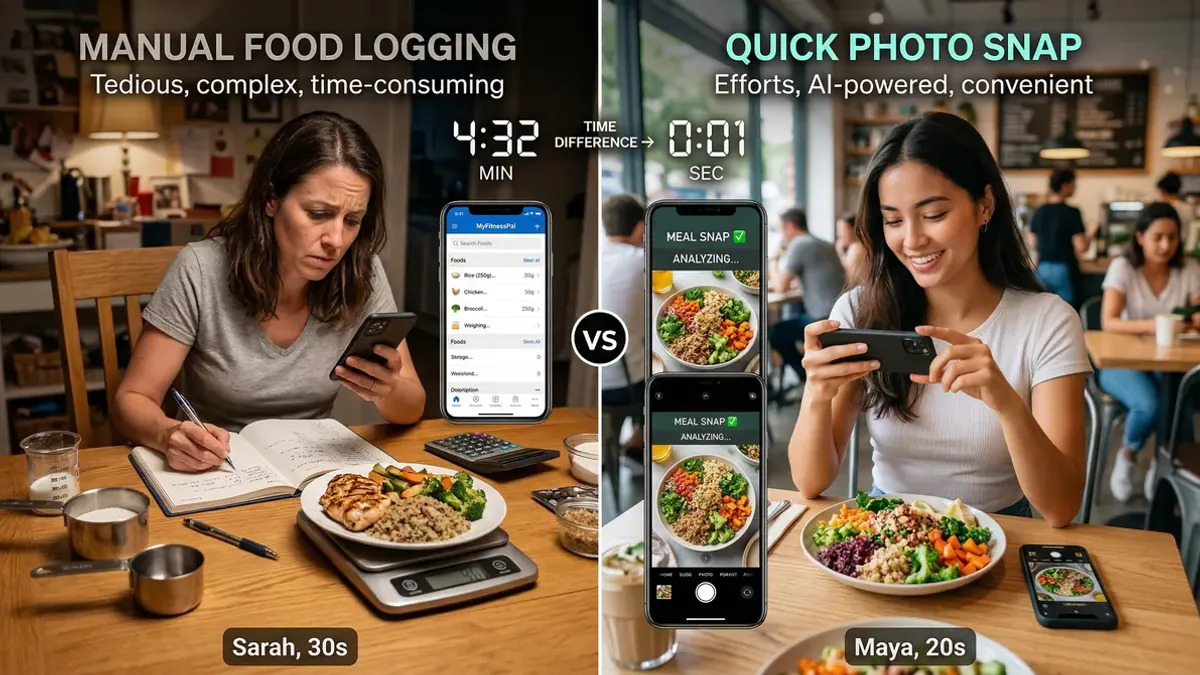
The numbers are impressive. Manual food logging takes 3 to 5 minutes per meal on average. Taking a photo takes 3 seconds.
Daily savings. With three meals per day, you save 9 to 15 minutes. That might sound small, but it adds up quickly.
Weekly benefit. Over a week, you gain 1 to 1.5 hours. Enough time for an extra workout or catching up with friends.
Monthly impact. Per month, you save 5 to 7 hours. That's nearly a full workday you can spend on something enjoyable.
Annual savings. Over a year, you save 60 to 84 hours. More than two full work weeks.
But the biggest benefit isn't time—it's persistence. Research shows people using calorie tracking app photo features stick with their habits 3 times longer than those doing manual entry.
Which apps offer photo recognition?
More apps are adding AI food recognition features. Not all systems perform equally well, especially for regional foods.
International apps. Major players like MyFitnessPal and Cronometer have added photo recognition. They work well for common international dishes but may struggle with local specialties.
Regional focus. Apps developed for specific markets often perform better with local cuisines. They use regional food databases and train their AI on dishes people actually eat in that area.
Free vs premium. Many apps offer basic photo recognition for free but limit the number of photos per day. Premium versions provide unlimited access and often better recognition accuracy.
Accuracy varies. Quality differs dramatically between apps. Some only identify main ingredients, while others analyze cooking methods and portion sizes too.
Choose an app that matches your eating patterns. If you eat diverse international foods, a general app might work fine. If you prefer local cuisines, look for an app with regional expertise.
Tips for better photo recognition
A good photo leads to better recognition. These tips help you get the most accurate results.
1. Shoot from above. A bird's eye view gives AI the best information about portion sizes and ingredients.
2. Use good lighting. Natural light works best. Avoid harsh shadows that might hide ingredients.
3. Choose neutral backgrounds. A white or light surface helps AI distinguish your food more clearly.
4. Photograph before mixing. For dishes like salads or stir-fries, take the photo before stirring everything together.
5. Add reference objects. A fork, spoon, or coin in the photo helps AI estimate size.
6. Take multiple angles. For complex dishes, different angles can improve recognition accuracy.
7. Always review results. AI is smart but not perfect. Check that recognized ingredients and quantities make sense.
With these tips, you'll get results that are often more accurate than manual estimation.
Start smarter calorie tracking today
Calorie tracking app photo features make mindful eating finally achievable for busy people. No more endless database searches or guessing at portion sizes. Just snap a photo and get on with your day.
The technology keeps improving. AI gets better at recognizing diverse foods and estimating portions. What already saves enormous time today will become even more accurate and user-friendly tomorrow.
Ready to experience how easy mindful eating can be? Try an app with AI photo recognition and discover how much time you can save without sacrificing accuracy. For a comprehensive guide to getting started, check out our calorie counting resource.