Key takeaways
• A calorie counter app with AI photo recognition saves 5 to 10 minutes per meal compared to manual entry • The AI identifies foods, estimates portion sizes and automatically calculates calories and nutrition values • Photo-based tracking increases your chances of sticking with calorie counting by 40% compared to manual logging • Accuracy ranges from 85-95% for recognisable foods, dropping to 70-80% for complex mixed dishes • Good lighting and clear food separation improve recognition accuracy significantly • The best app is one that fits your daily routine and that you'll actually use consistently
How does a calorie counter app with photo recognition work?
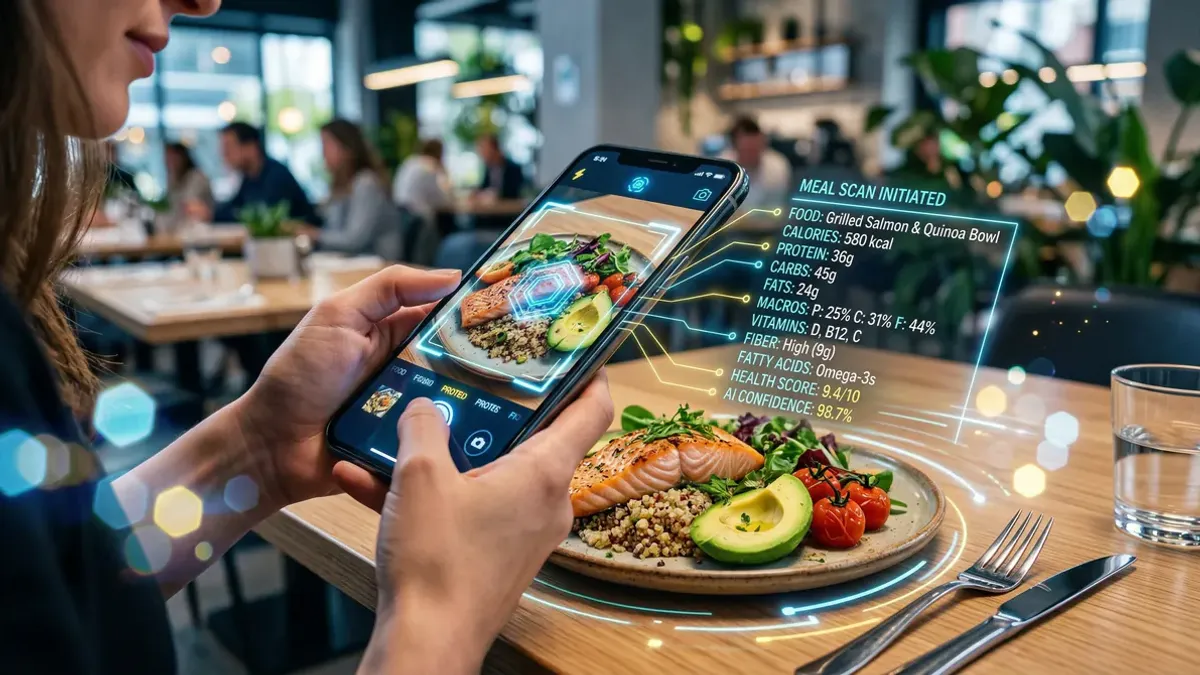
Take a photo of your plate and instantly see the nutrition values — that's how modern AI food recognition works. The technology analyses colours, shapes and textures to identify different foods. The algorithm then estimates portion sizes by comparing objects in the photo to known reference points.
The AI uses a database containing thousands of food items to find the right matches. Advanced systems can recognise over 85,000 products, including local dishes and regional specialities that matter to your daily diet.
After recognition, the app automatically calculates calories, protein, carbohydrates, fats and other nutrition values. This process typically takes less than 10 seconds — much faster than searching and entering everything manually.
Why photo recognition beats manual food logging
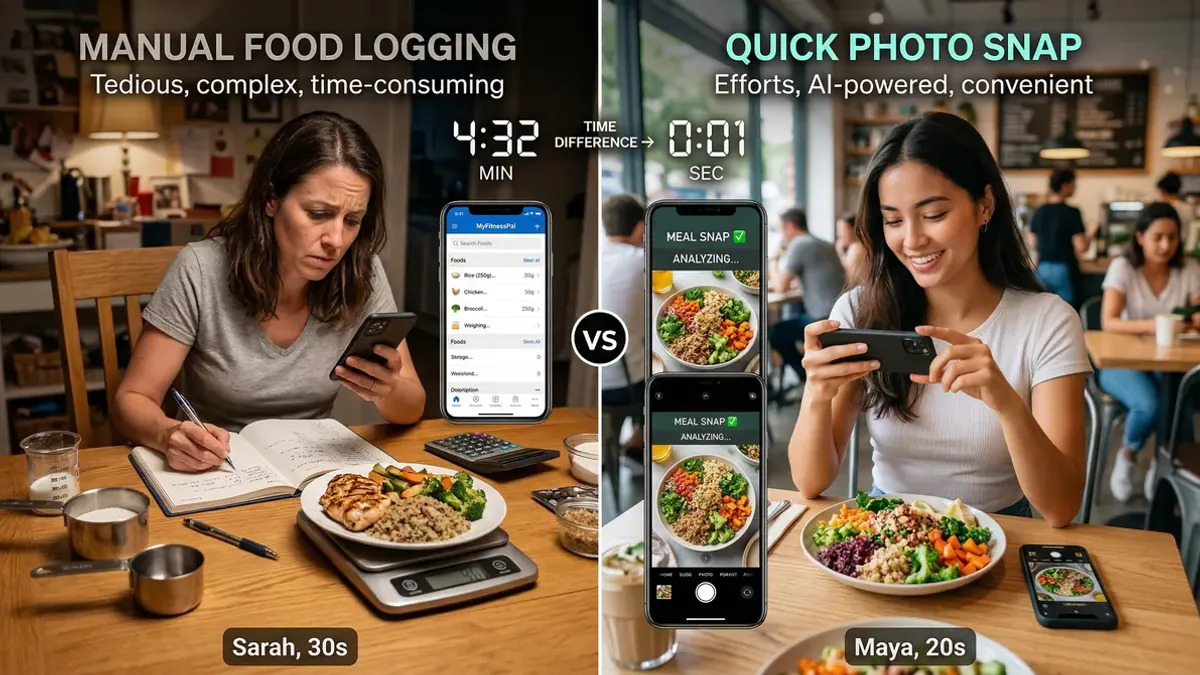
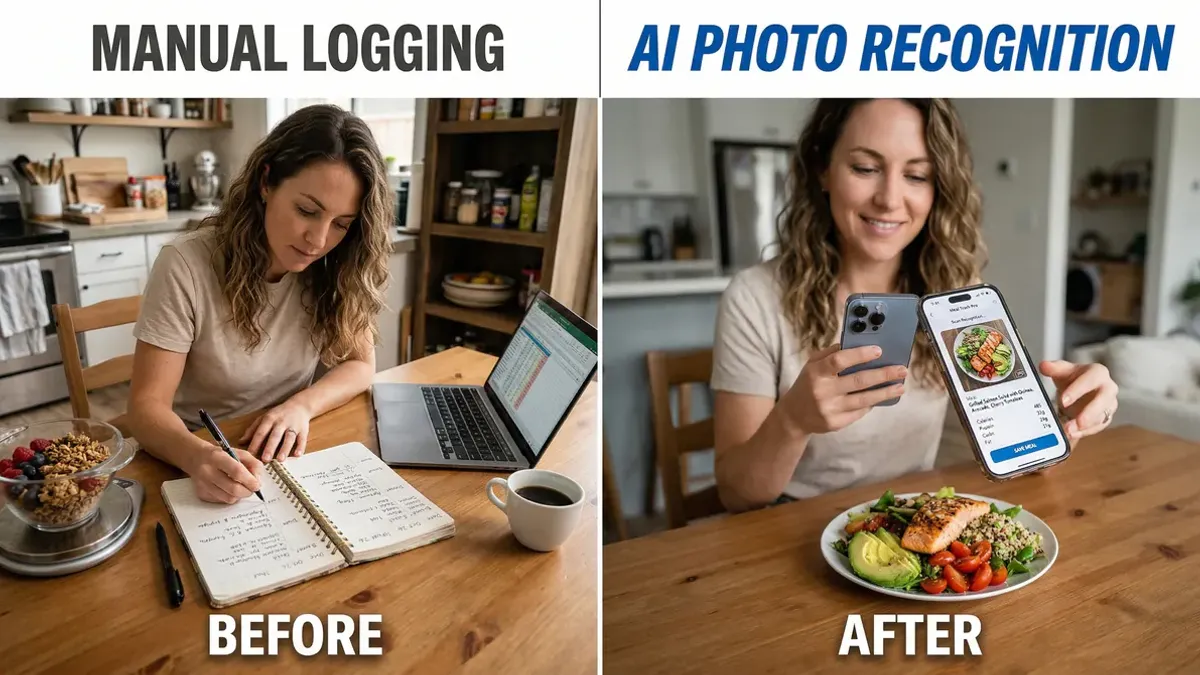
Time savings. Manual entry takes an average of 8 to 12 minutes per meal. Taking a photo and reviewing the results takes 2 to 3 minutes.
Less forgetfulness. You snap the photo while eating, so you're less likely to forget to log your meal later.
Visual memory. Photos help you recognise patterns in your eating habits. You literally see what you eat and when.
Higher adherence rates. Research shows that people using photo-based tracking stick with calorie counting 40% longer than those who enter everything manually.
Reduced decision fatigue. No more scrolling through endless food lists or debating portion sizes. The AI does the heavy lifting.
How accurate is AI food recognition?
Accuracy depends on several factors. For familiar, clearly visible foods, accuracy ranges between 85 and 95%. For complex dishes with multiple ingredients, this can drop to 70-80%.
Best results. Simple meals with clearly separated ingredients work best. Think a plate with distinct portions of protein, vegetables and starches.
Challenges. Sauces, dressings and hidden ingredients are harder to detect. Very dark photos or poor lighting can also reduce accuracy.
Improvement over time. AI systems learn from every photo users take. More data means better recognition accuracy for everyone.
What features should a good calorie counter app have?
1. Comprehensive food database. Look for apps with extensive databases that include local foods and restaurant items you actually eat.
2. Offline functionality. You want to track even without internet connection, especially in restaurants with poor wifi.
3. Barcode scanner. For packaged products, barcode scanning remains the most accurate method.
4. Meal saving. Useful feature to save frequently eaten meals for quick entry.
5. Export capabilities. Helpful if you want to share your data with a nutritionist or doctor.
6. Privacy protection. Check where your health data is stored and how it's protected.
Tips for better photo recognition
Good lighting. Take photos in daylight or under bright lamps. Dark photos are harder to analyse accurately.
Clear arrangement. Arrange ingredients so they're clearly visible. Minimise overlap between different foods.
Reference objects. Place a fork, spoon or coin next to your plate for better portion size estimation.
Multiple angles. For complex dishes, photos from different angles can help improve recognition.
Always review. Check the automatic recognition and adjust where needed. The AI learns from your corrections.
Common mistakes when using a calorie counter app
Being too perfectionist. A 90% accurate estimate is better than not tracking at all because you're afraid of errors.
Forgetting to adjust. The AI gives you a starting point — always check if the portion size matches what you actually ate.
Only focusing on calories. Also pay attention to nutrition values like fibre, protein and vitamins for a complete picture.
Not being consistent. Regular tracking gives better insights than perfect tracking for short periods.
Which calorie counter app should you choose?
The best app depends on your specific needs and eating habits. Consider these factors:
Food database quality. Choose an app with a database that matches your local food culture and includes items you regularly eat.
User interface. The app should be intuitive enough that you'll actually use it daily without frustration.
Integration options. If you use fitness trackers or other health apps, look for compatibility.
Cost vs features. Free apps often have limitations. Premium features might be worth it if they help you stick with tracking.
Start smarter calorie tracking today
A calorie counter app with AI photo recognition makes healthy eating more accessible than ever. The technology isn't perfect, but it's good enough to help you make better food choices. The most important thing is finding an app that fits your lifestyle and that you'll actually use consistently.
Ready to start taking photos of your food? Choose an app with a comprehensive food database and try it for a week. You'll be surprised how much easier it is than manually entering everything.